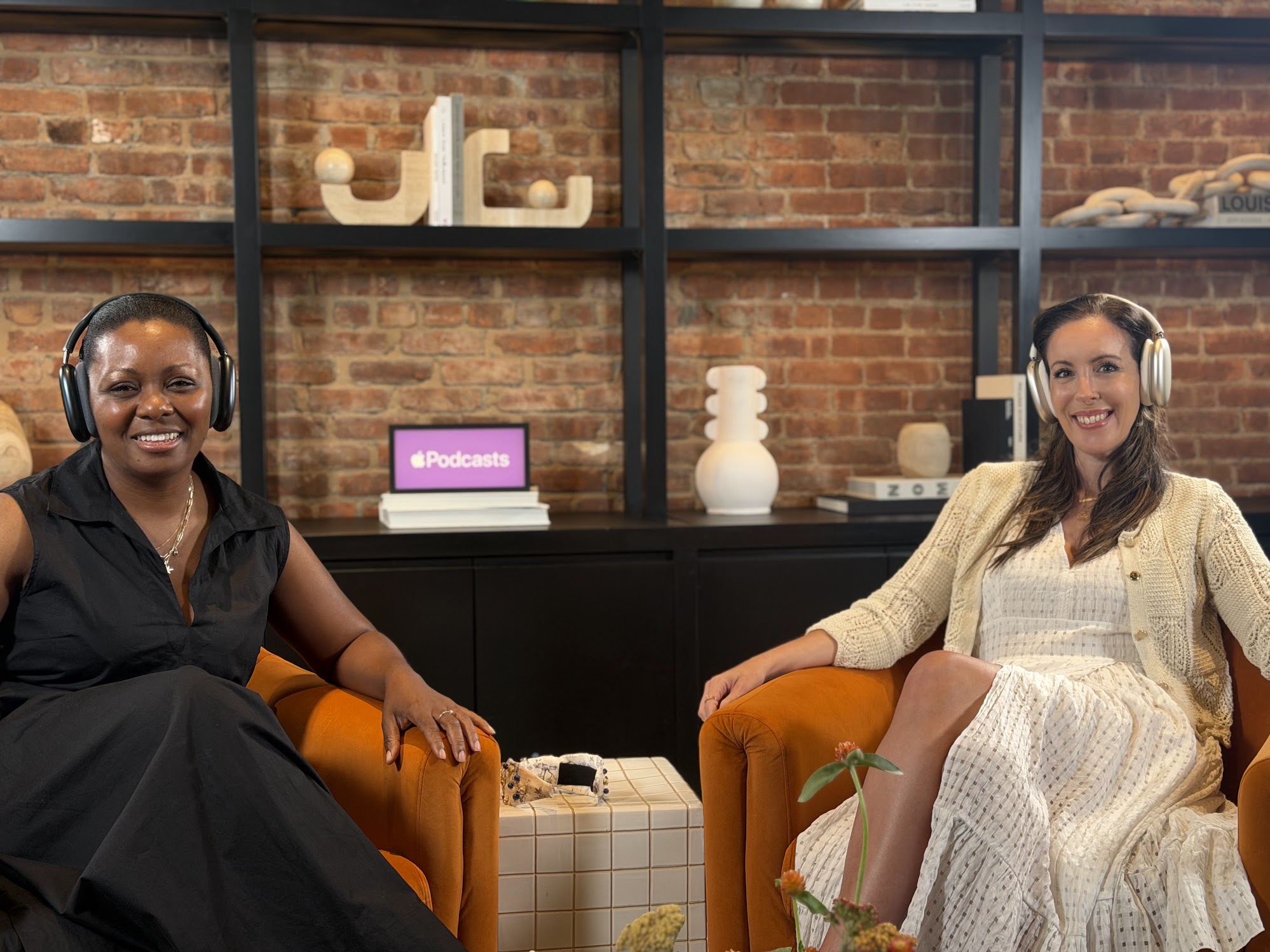
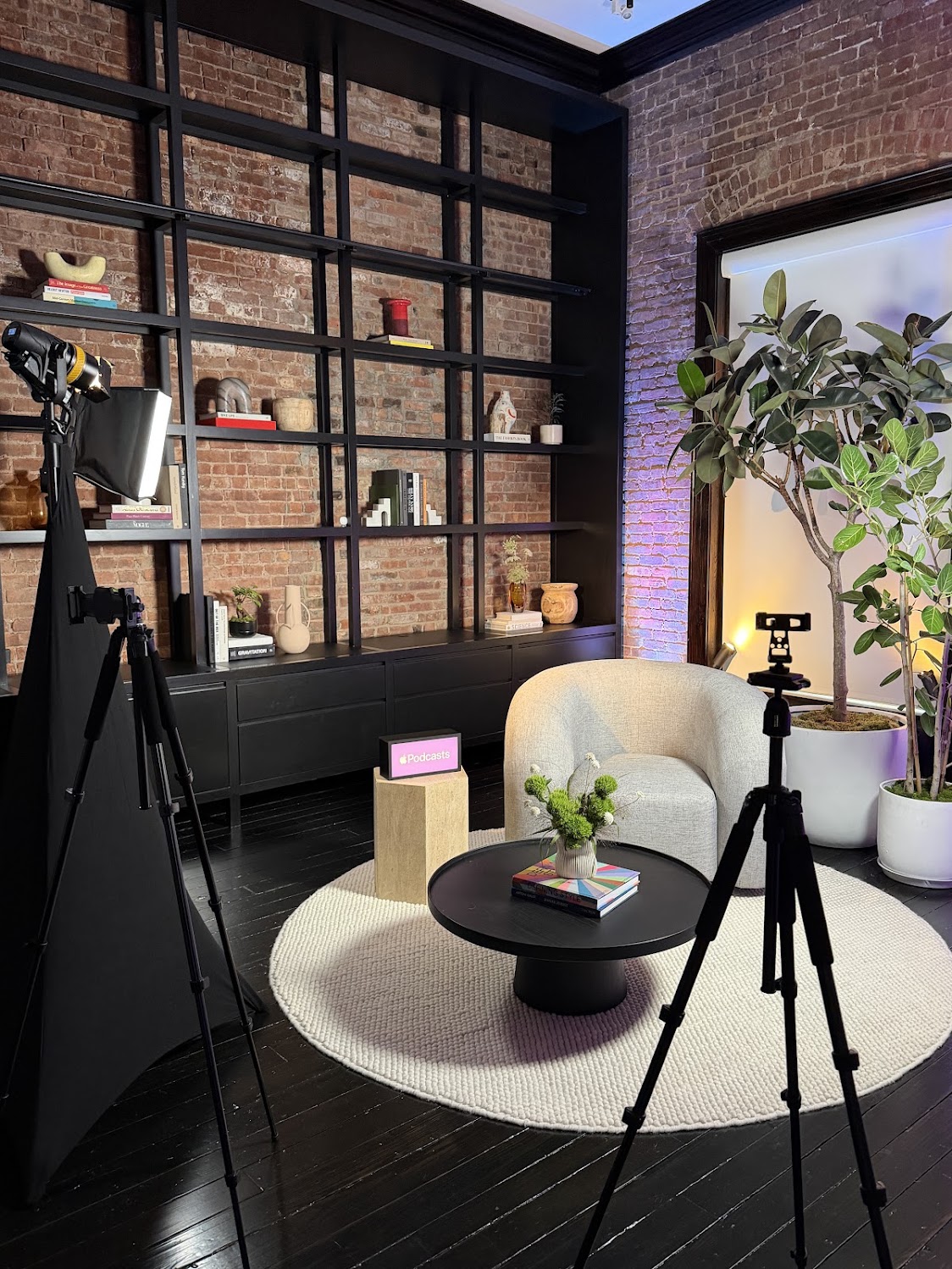
I recently had the opportunity to attend the Apple Podcasts Experience in New York City, where Apple gave content creators an inside look at the future of podcasting, video production, and creator workflows.
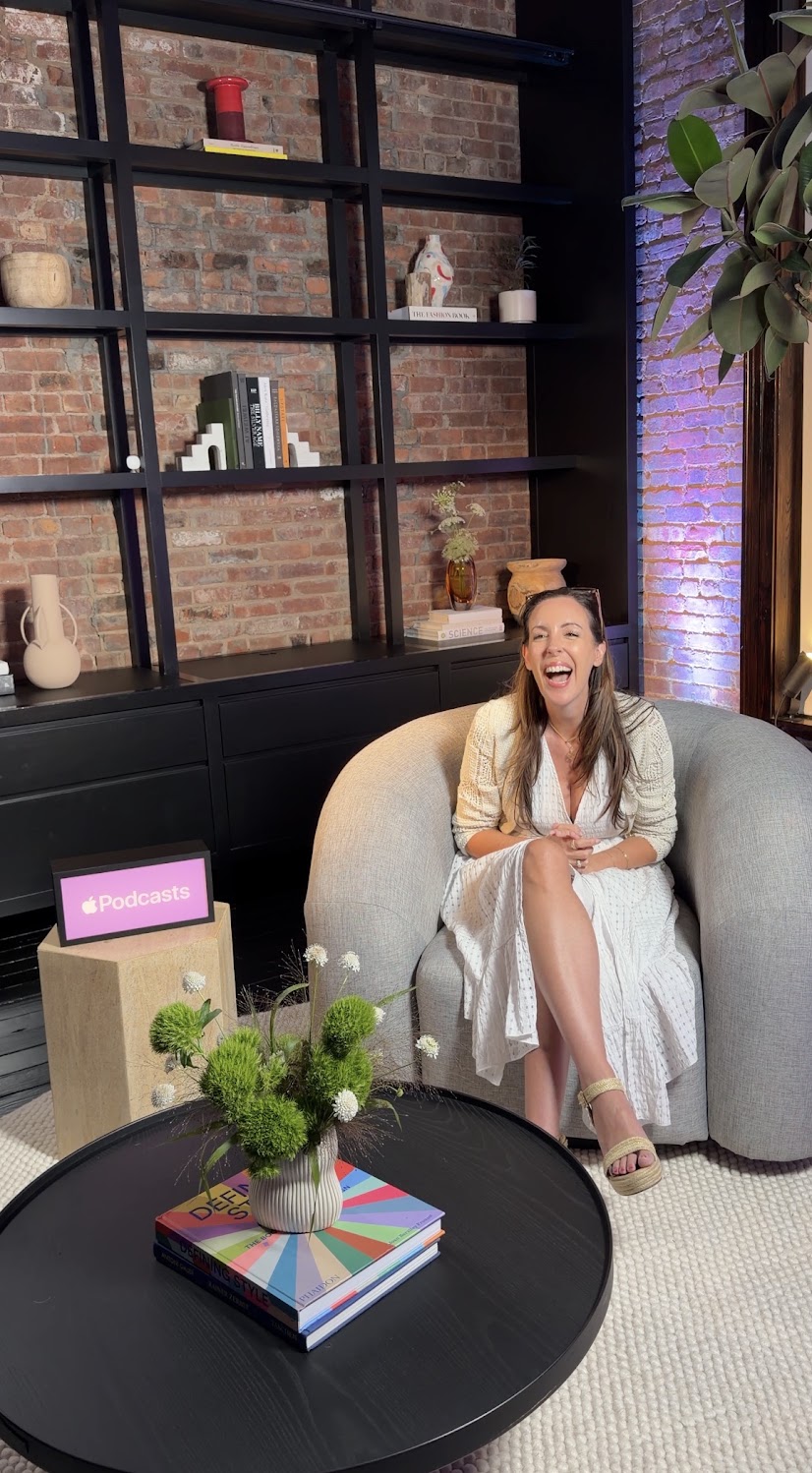
As someone who creates content every day, I love getting a behind-the-scenes look at the tools that are designed to make our jobs easier. Honestly, there were quite a few features that stood out. Whether you’re a podcaster, YouTuber, TikTok creator, or someone thinking about launching a podcast, here’s a recap of what Apple showcased.
Apple Podcasts Is Becoming More Than Just an Audio App
One of the biggest takeaways from the event is that Apple Podcasts continues to evolve beyond traditional audio podcasts.
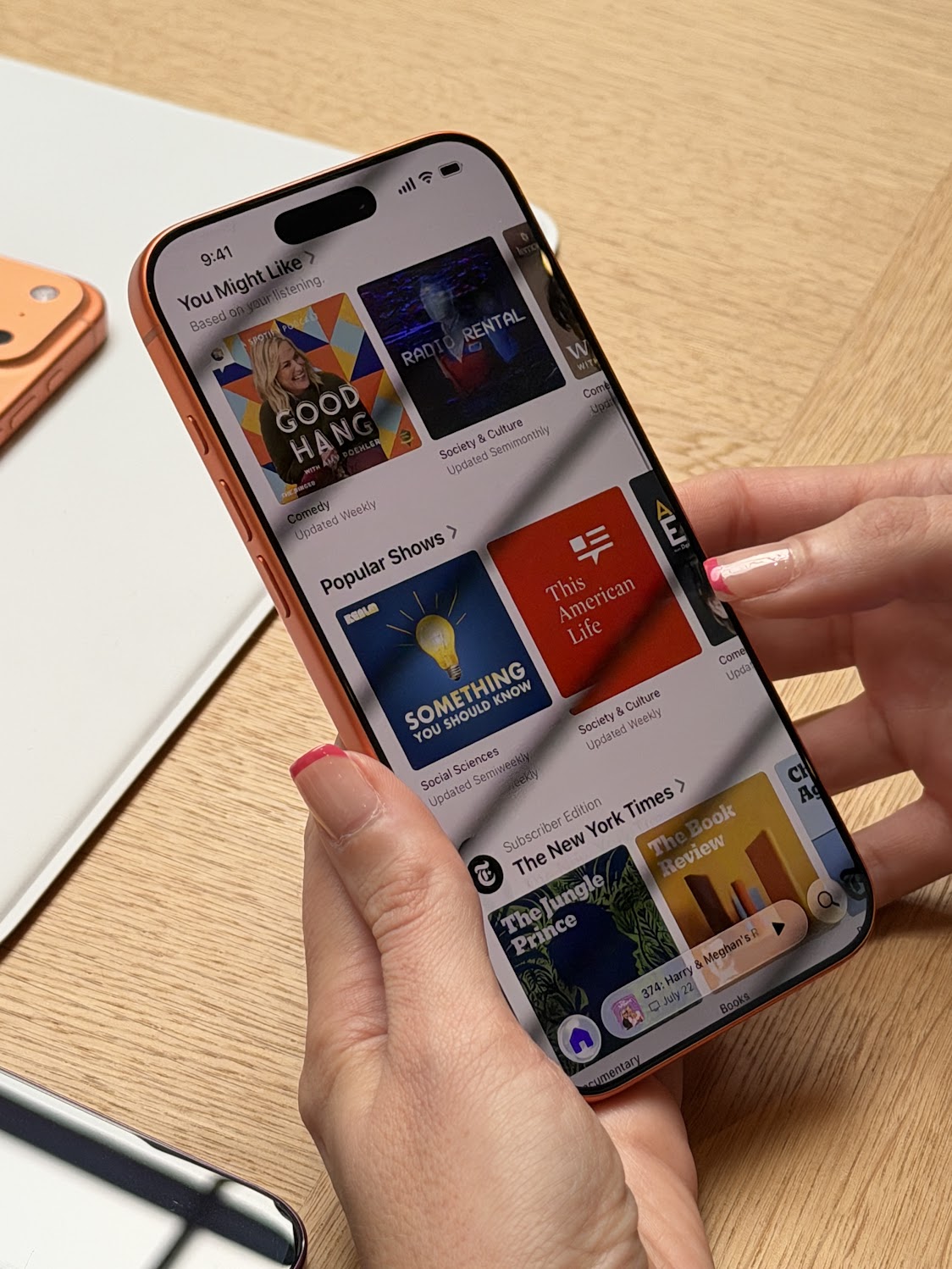
The platform now brings together audio podcasts, video podcasts, and transcripts in one seamless experience. That means listeners can choose how they consume content, whether they want to listen during a commute, watch a video episode at home, or quickly search a transcript for a specific topic.
Some of my favorite features include:
- Personalized recommendations based on your listening habits
- Automatic downloads for shows you follow
- Subscriber-only premium content
- Picture-in-picture video playback
- Playback speed controls and sleep timers
- Searchable transcripts that let you jump directly to a specific moment in an episode
The transcript feature especially caught my attention because it makes podcasts much more searchable and accessible while making it easier to share specific quotes or moments.
This post contains affiliate links. Affiliate links that support Lady and the Blog at no additional cost to you. I will receive a small commission if you choose to make a purchase on this post.
The iPhone 17 Pro Is Built for Serious Content Creation
If you’re creating content with your phone, Apple clearly wants the iPhone 17 Pro to be your primary camera.
It features three 48MP cameras – Main, Ultra Wide, and Telephoto -which together provide the equivalent of eight different lenses. For creators, that means much more flexibility without carrying additional gear.
Apple also highlighted professional video features including:
- Dolby Vision HDR recording
- 4K recording at up to 120 fps
- ProRes RAW
- Apple Log 2
- ACES support for professional color workflows
- Optical-quality zoom for cleaner distance shots
One feature I thought was particularly impressive is Final Cut Camera, which allows multiple iPhones to work together as a multicamera production setup. Footage automatically syncs with Final Cut Pro on iPad, making editing much more streamlined.
For creators who film tutorials, interviews, podcasts, or social media videos, this could simplify production significantly.
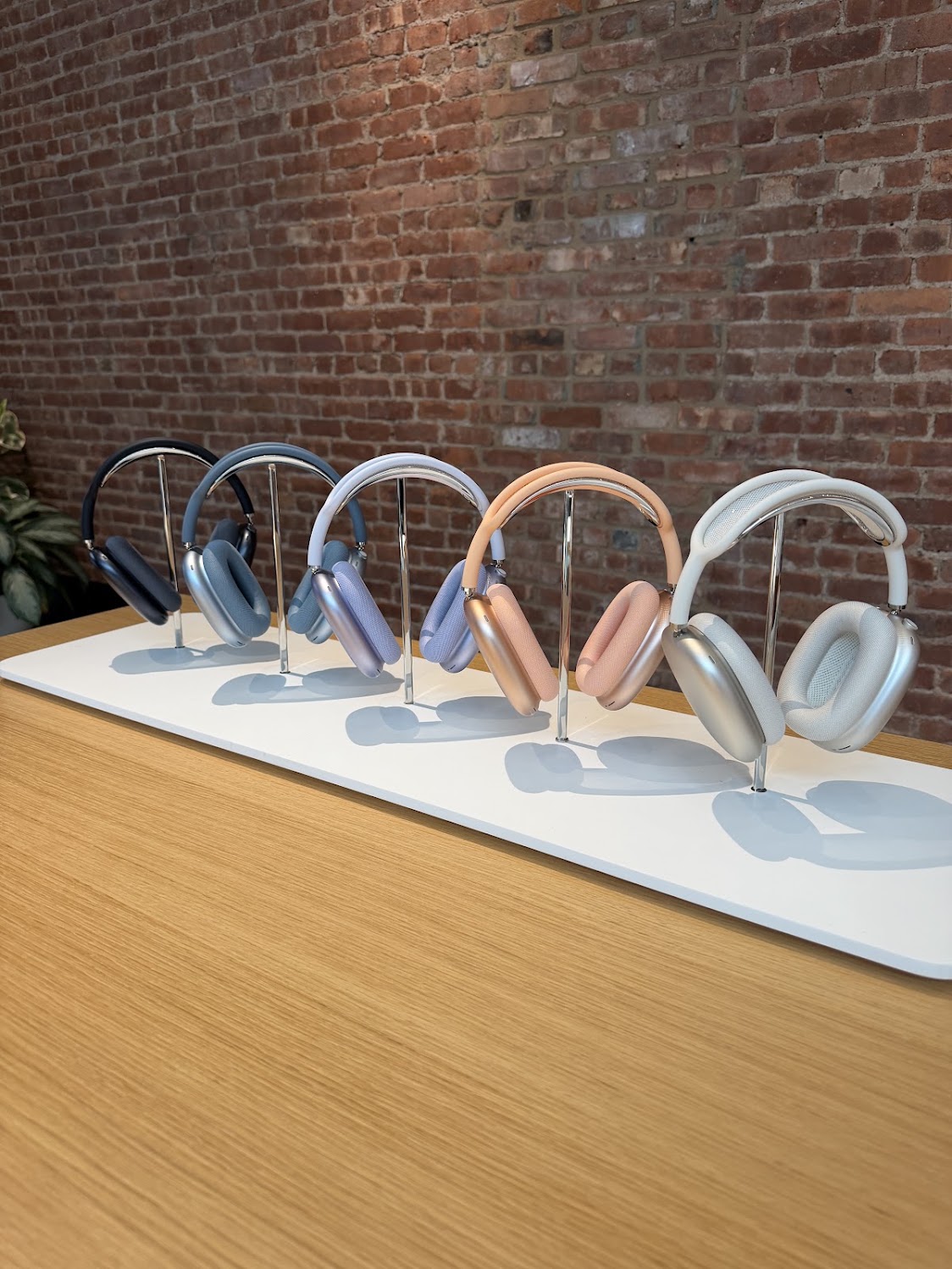
AirPods Max 2 Aren’t Just for Listening
The new AirPods Max 2 surprised me because they’re doing far more than simply improving sound quality. I WANT THESE!
Apple introduced:
- Active Noise Cancellation that’s up to 1.5x stronger than the previous generation
- Adaptive Audio
- Conversation Awareness
- Voice Isolation
- Live Translation
- Personalized Spatial Audio
For creators, two additions really stood out:
- Studio-quality audio recording
- Camera remote functionality
Those are practical tools that can make filming and recording on the go much easier without adding extra equipment.
Apple Creator Studio Is Packed With AI Tools
Apple also showcased the growing collection of creative software available across Mac and iPad.
Final Cut Pro
Video editing continues to get smarter thanks to AI-powered tools like:
- Beat Detection for automatically matching edits to music
- Transcript Search to quickly locate clips
- Visual Search that identifies footage based on objects appearing in the background
These are the kinds of workflow improvements that can save creators hours during editing.
Logic Pro
For music creators and podcasters, Logic Pro now includes AI-powered Session Players that make experimenting with different sounds and arrangements much more intuitive.
Pixelmator Pro
Photo editing is also getting smarter with features like:
- AI Super Resolution to upscale images
- Auto Crop suggestions
- Faster professional editing tools
Productivity Apps
Even Apple’s everyday productivity apps are becoming more creator-friendly with built-in content libraries and intelligent image generation features. Think Keynote, Pages, Numbers, and Freeform!
One thing I’ve always appreciated about Apple’s ecosystem is how seamlessly everything works together. During the presentation, they demonstrated simple workflows like using AirDrop to move recordings from iPhone to Mac or turning an iPad into a second display with Sidecar while editing.
Those small conveniences really add up when you’re creating content regularly.
My Biggest Takeaway
Walking away from the Apple Podcasts Experience, what stood out most wasn’t just one new product. It was how connected the entire ecosystem has become.
Apple is clearly focused on helping creators produce professional-quality content with tools they already own or can easily integrate into their workflow. Whether you’re recording a podcast, editing video, creating social content, or producing long-form projects, the experience feels increasingly streamlined from capture to publishing.
As someone who creates content every single day, I always appreciate technology that removes friction from the creative process. It’ll be exciting to see how creators begin using these new features over the coming months, especially as video podcasting continues to grow!!